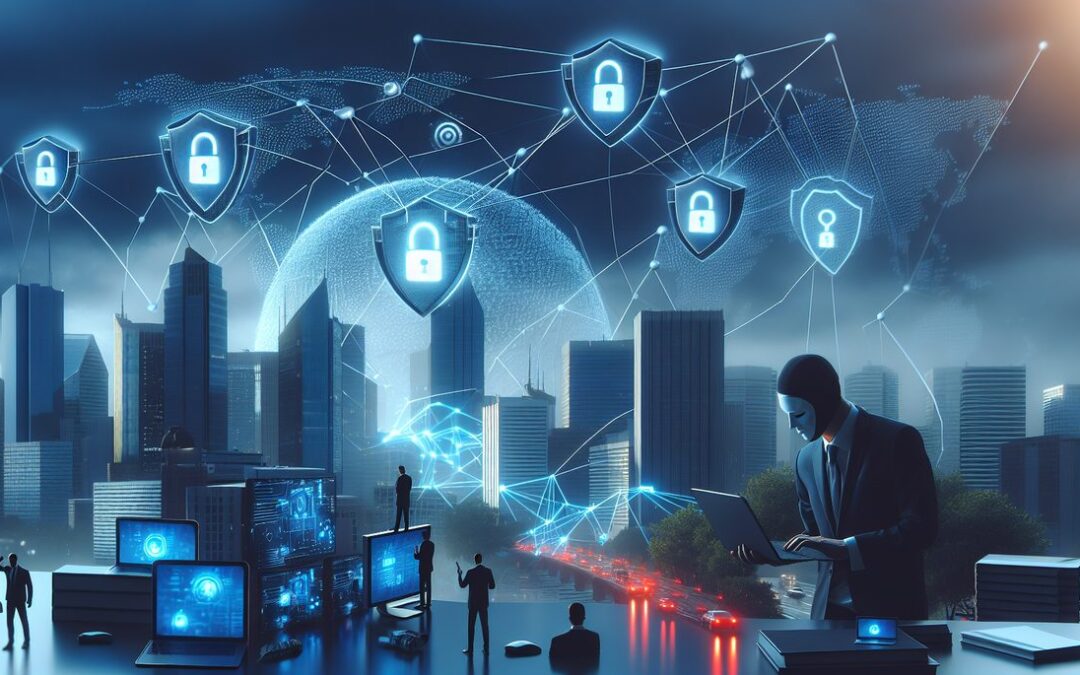
Picture this: someone shows up at your business dressed like a delivery driver, clipboard in hand, asking for access to your back office to “check the electrical system.” Most of us would ask for ID, call the company to verify, or at least feel suspicious. But when that same con artist shows up in your email inbox, suddenly we’re handing over passwords and clicking links without a second thought.
That’s phishing in a nutshell – and phishing prevention is the number one cybersecurity priority for Dallas-Fort Worth businesses. The scary part? One successful phishing attack can lead to ransomware that shuts down your entire operation.
What Phishing Actually Looks Like (It’s Not What You Think)
Forget those obvious “Nigerian prince” emails from the 2000s. Today’s phishing attacks are sophisticated. They look like legitimate emails from Microsoft, your bank, or even your biggest client.
Here in the Metroplex, we’ve seen phishing emails that perfectly mimic:
- Office 365 login alerts
- QuickBooks payment notifications
- DocuSign document requests
- Voicemail notifications
The goal is always the same: trick you into entering your username and password on a fake website, or get you to download malicious software that gives criminals access to your network.
The Real Cost of Phishing for Small Businesses
Let’s talk numbers. Verizon’s Data Breach Investigations Report found that more than 90% of breached organizations are small and midsize businesses with fewer than 1,000 employees – and in ransomware cases, small organizations account for 96% of victims.
That’s not meant to scare you – it’s meant to show you why phishing prevention matters for your bottom line.
Your Phishing Prevention Game Plan
Here’s where the good news comes in. You don’t need a computer science degree to protect your business. Think of cybersecurity like locking your car – it’s a simple habit that prevents most problems.
Step 1: Set Up Multi-Factor Authentication Everywhere
Multi-factor authentication (MFA) is like having a deadbolt on your front door. Even if someone steals your house key (password), they still can’t get in without the second lock.
Enable MFA on every business account: email, banking, QuickBooks, your website admin panel – everything. Yes, it adds an extra step, but it stops 99.9% of automated attacks.
Step 2: Train Your Team to Spot Red Flags
Your employees are your first line of defense. Teach them to pause and think before clicking. Here are the warning signs to watch for:
- Urgent language (“Your account will be closed in 24 hours!”)
- Generic greetings (“Dear Customer” instead of your actual name)
- Suspicious links (hover over them – do they actually go to Microsoft.com?)
- Unexpected attachments, especially from external senders
Step 3: Create a “When in Doubt” Policy
Make it okay – encouraged, even – for employees to ask questions. If someone gets an email requesting a wire transfer or password reset, they should verify it through a separate communication channel. Call the person directly, walk over to their desk, or send a text.
Business Email Compromise: The Million-Dollar Mistake
Here’s a scenario that keeps Dallas business owners up at night: your employee gets an email that looks like it’s from you, asking them to send a wire transfer to a “new vendor.” They want to be helpful, so they process it immediately. Congratulations – you just sent $50,000 to a criminal.
This is called business email compromise, and it’s incredibly common. The solution? Require verbal confirmation for any financial request over a certain amount. No exceptions.
Technology That Actually Helps
While training is crucial, you also need the right tools watching your back. Modern email security goes way beyond basic spam filters. It uses artificial intelligence to spot suspicious patterns and can even detect when someone’s email account has been compromised.
The key is finding solutions that work for small businesses – not enterprise-level complexity that requires a full-time IT team to manage.
Your Next Steps
Phishing prevention doesn’t have to be overwhelming. Start with multi-factor authentication this week. Train your team next week. Build these habits into your daily routine, just like locking your doors when you leave.
Remember, cybercriminals count on business owners thinking “it won’t happen to me.” But here in Dallas-Fort Worth, we look out for each other. That includes protecting our businesses from digital threats.
These cybersecurity tips for employees are the foundation of any good defense. If you want to know how to prevent ransomware and other attacks, it starts with training your team to spot phishing.
If you’re feeling overwhelmed by cybersecurity for small business – and honestly, most business owners are – you’re not alone. At Modo Networks, we provide managed IT services in Dallas that include practical security measures that actually work. Read our guide on business email compromise to learn about the costliest email scam hitting DFW businesses.
Sources: Microsoft MFA Research | Verizon 2026 Data Breach Investigations Report